How to pay DSTV online in 5 minutes, no queues
Pay your DSTV account online using your ID number with Capitec, FNB, Absa, Nedbank or Standard Bank. Instant confirmation, every package, no stress.
"Paid my DSTV online in 3 minutes before the buffer stopped. Genuinely the easiest I've done."

How to pay DSTV online step by step
Enter your details
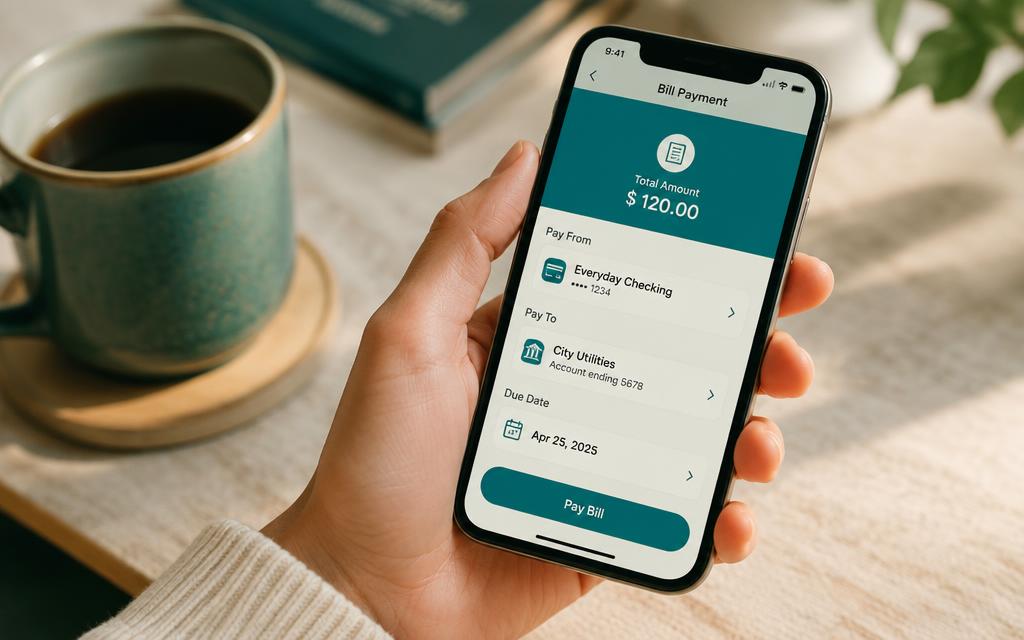
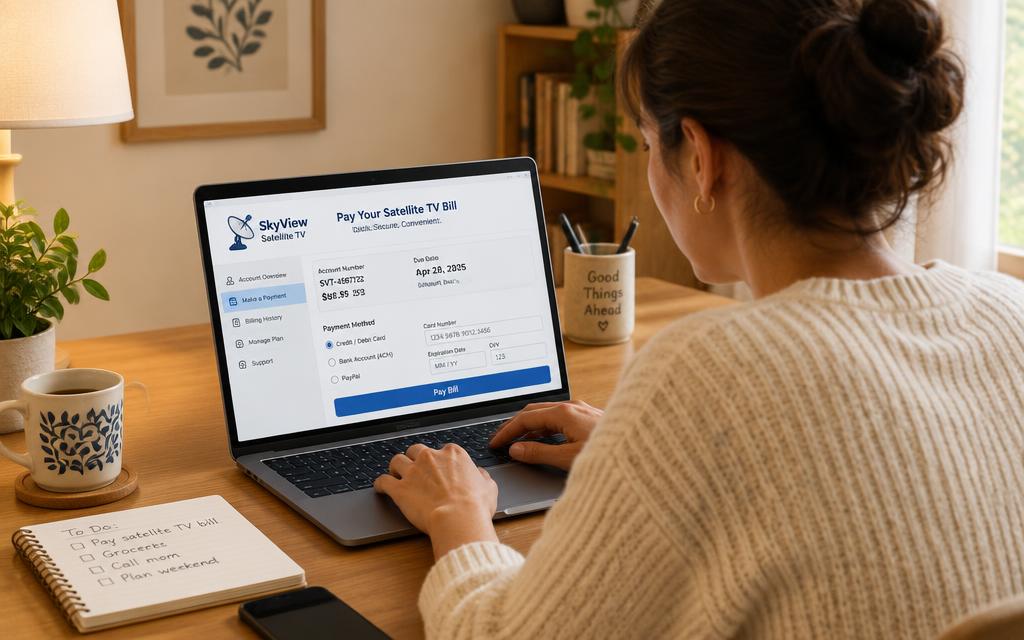
Log in to your bank app and use your DSTV account number or the account holder's ID number to find the bill.
Confirm the amount
Check the DSTV package and balance due, then approve the payment with your PIN or biometrics.
Enjoy instantly
Your DSTV decoder reactivates within minutes and your proof of payment lands by SMS or email.
Pay your DSTV online with your bank
How to pay DSTV online with FNB
Exact menu path for paying your DSTV account online from FNB Online Banking or the FNB App.
Read guide →How to pay DSTV online with Capitec
Exact menu path for paying your DSTV account online from the Capitec Bank App or Capitec Internet Banking.
Read guide →How to pay DSTV online with Absa
Exact menu path for paying your DSTV account online from Absa Online or the Absa Banking App.
Read guide →How to pay DSTV online with Nedbank
Exact menu path for paying your DSTV account online from the Nedbank Money app or Nedbank Online Banking.
Read guide →How to pay DSTV online with Standard Bank
Exact menu path for paying your DSTV account online from the Standard Bank Banking App or Internet Banking.
Read guide →Pay DSTV using your ID number
Find and pay your DSTV decoder with just your South African ID number.
Read guide →Choose exactly how you want to pay DSTV online
DSTV online payment FAQs
How do I pay DSTV online using my ID number?+
Retrieve your account in MyDStv or DStv WhatsApp self-service with the account holder's 13-digit South African ID number, then pay the returned DSTV account number through your bank's MultiChoice biller.
How do I pay DSTV online with Capitec?+
In the Capitec app go to Transact → Beneficiaries → Pay Beneficiary, choose MultiChoice DStv, enter your account number as the reference and approve. That is all there is to paying DSTV online with Capitec.
How do I pay DSTV using FNB online banking?+
In FNB Online Banking or the FNB App, open Payments → Pay → Public Recipients, select MultiChoice DStv, reference it with your account number and confirm the amount.
How do I pay DSTV online with Absa, Nedbank or Standard Bank?+
All three list MultiChoice as a pre-approved biller under bill payments or approved beneficiaries. The steps are identical — only the menu names differ, and each bank has its own guide on this site.
How long does paying DSTV online take to activate?+
Most decoders reactivate within a few minutes of a successful online payment. Allow up to 24 hours during month-end peaks, and keep the decoder switched on so it can receive the signal.
Can I pay my DSTV subscription online in advance?+
Yes. You can pay your DSTV subscription online in advance for several months in one transaction, and the credit is applied as each month is billed.
Is there a fee to pay DSTV account online?+
MultiChoice does not charge for paying your DSTV account online. Your bank may apply its normal bill-payment fee depending on your pricing plan.
Can I pay DSTV online in South Africa without internet banking?+
Yes. You can pay by debit or credit card on MyDStv, or set up a monthly debit order so your DSTV subscription is collected automatically.
How do I pay DSTV online in Zimbabwe, Nigeria or Kenya?+
Outside South Africa your reference is usually the smartcard or IUC number, and payment goes through local banks or mobile money such as M-Pesa. Each country has its own guide here.
Why has my DSTV online payment not reflected?+
Almost always a reference problem. Check that you used your exact DSTV account number, then send your proof of payment to DStv self-service so it can be allocated manually.
Can I pay someone else's DSTV account online?+
Yes. The reference decides which account is credited, so you can pay a family member's DSTV account online from your own bank account.
What is the fastest way to pay my DSTV online?+
A bill payment through your banking app's MultiChoice DStv biller, or a card payment on MyDStv. Manual EFT is the slowest and can take up to 48 hours.
Ready to pay DSTV online today?
Message us on WhatsApp and get a free DSTV trial plus a personal payment walkthrough.
Chat on WhatsApp