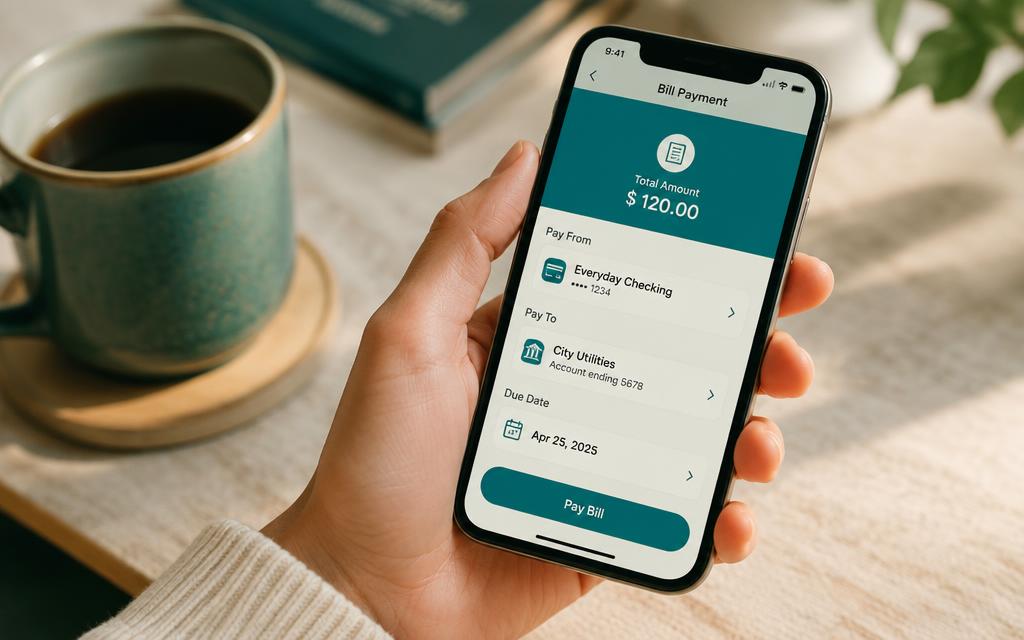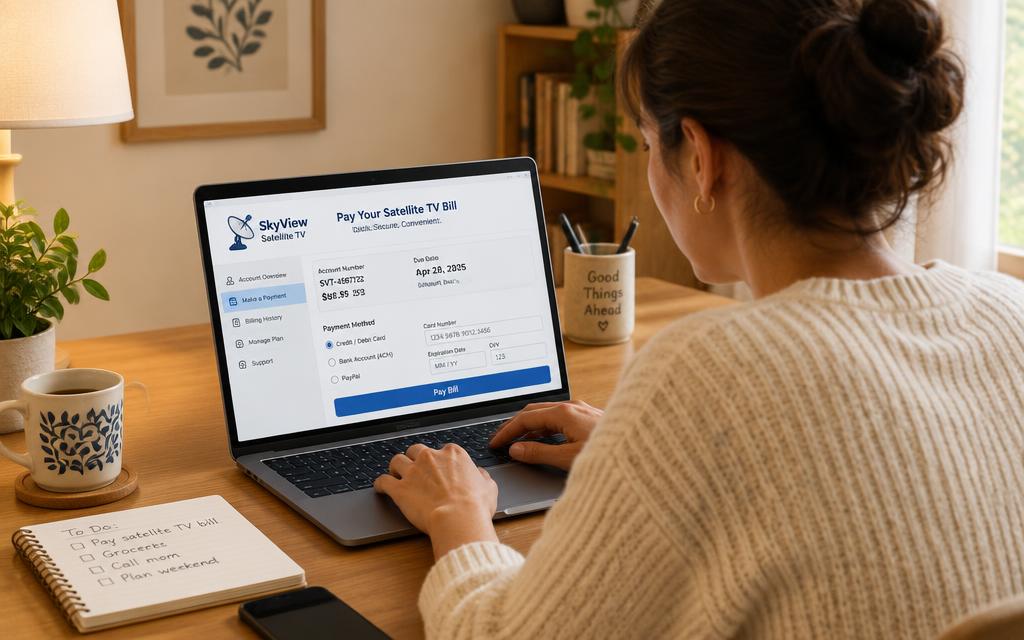
If you have always paid at a shop counter, moving online can feel risky. It is not — as long as you only ever pay through your own banking app or the official DStv channels. Here is how to pay your DSTV online safely.
How to pay your DSTV online: the steps
- 1
Only start from your own bank app
Never click a payment link in an SMS, WhatsApp forward or email. Open your banking app yourself, every time.
- 2
Use the pre-approved MultiChoice biller
Because MultiChoice DStv is a listed biller, you cannot accidentally send money to a stranger's account. Avoid anyone who gives you a personal account number for a DStv payment.
- 3
Reference with your DStv account number
Type your DSTV account number into the reference field and check it digit by digit before confirming.
- 4
Keep the receipt
Save the proof of payment. It is all you need if the online payment has to be traced later.
Frequently asked questions
Is it safe to pay your DSTV online?+
Yes, when you use your own banking app or the official MyDStv site. The risk is not the internet — it is third parties asking you to pay into personal accounts.
What is a biller?+
A biller is a company your bank has already verified, so you only supply a reference number rather than banking details.
Can I pay DSTV online with a credit card?+
Yes, card payments are accepted on MyDStv and the DStv website.
What details should I never share?+
Never share your banking PIN, OTP or card CVV with anyone claiming to help you pay DSTV online.
Searches this guide answers
- how to pay your dstv online
- how to pay dstv online with capitec
- how to pay dstv online in south africa